
01 / Imagine it
Say a little. Make something yours.
A forecast, a study plan, a special countdown. Tell Widgee your idea and watch a conversation become a widget.
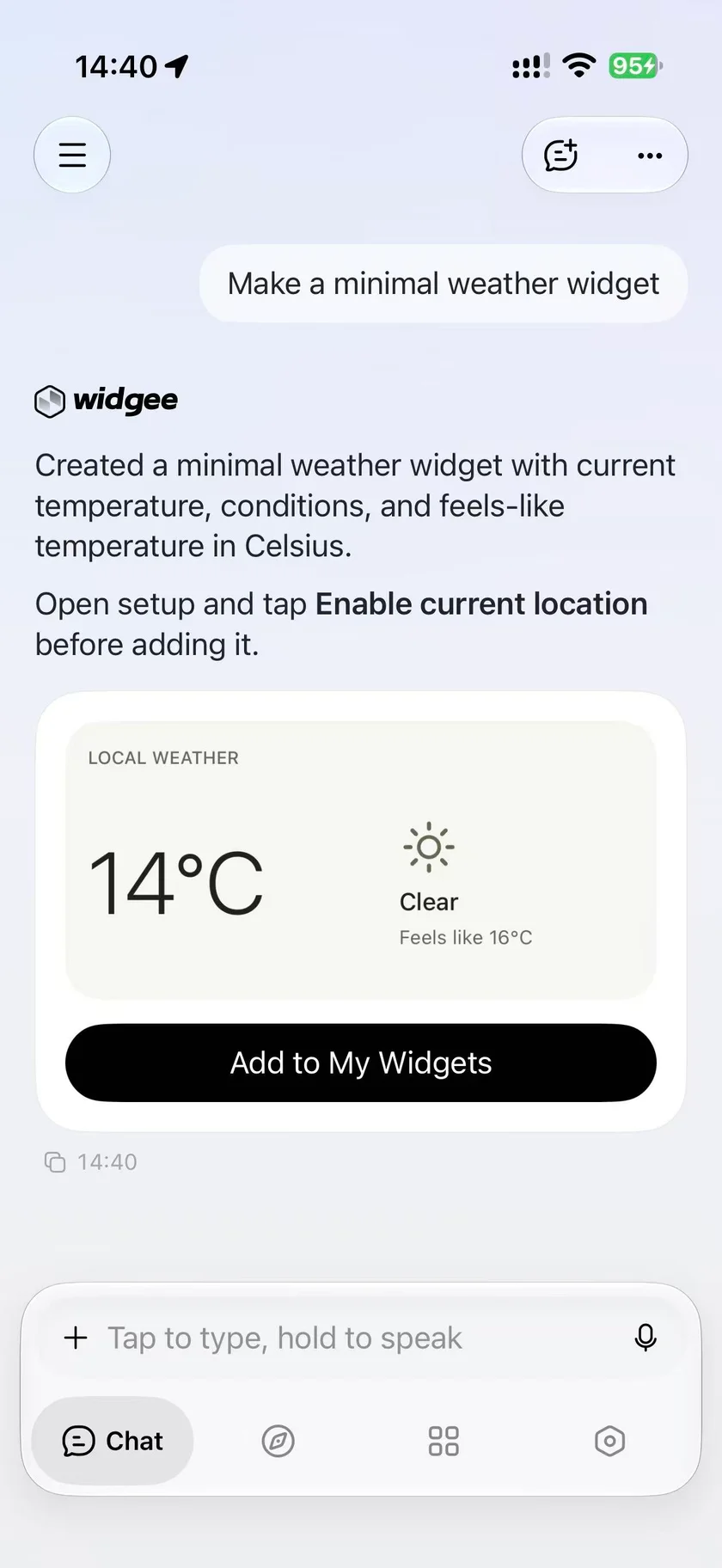
“Make a minimal weather widget”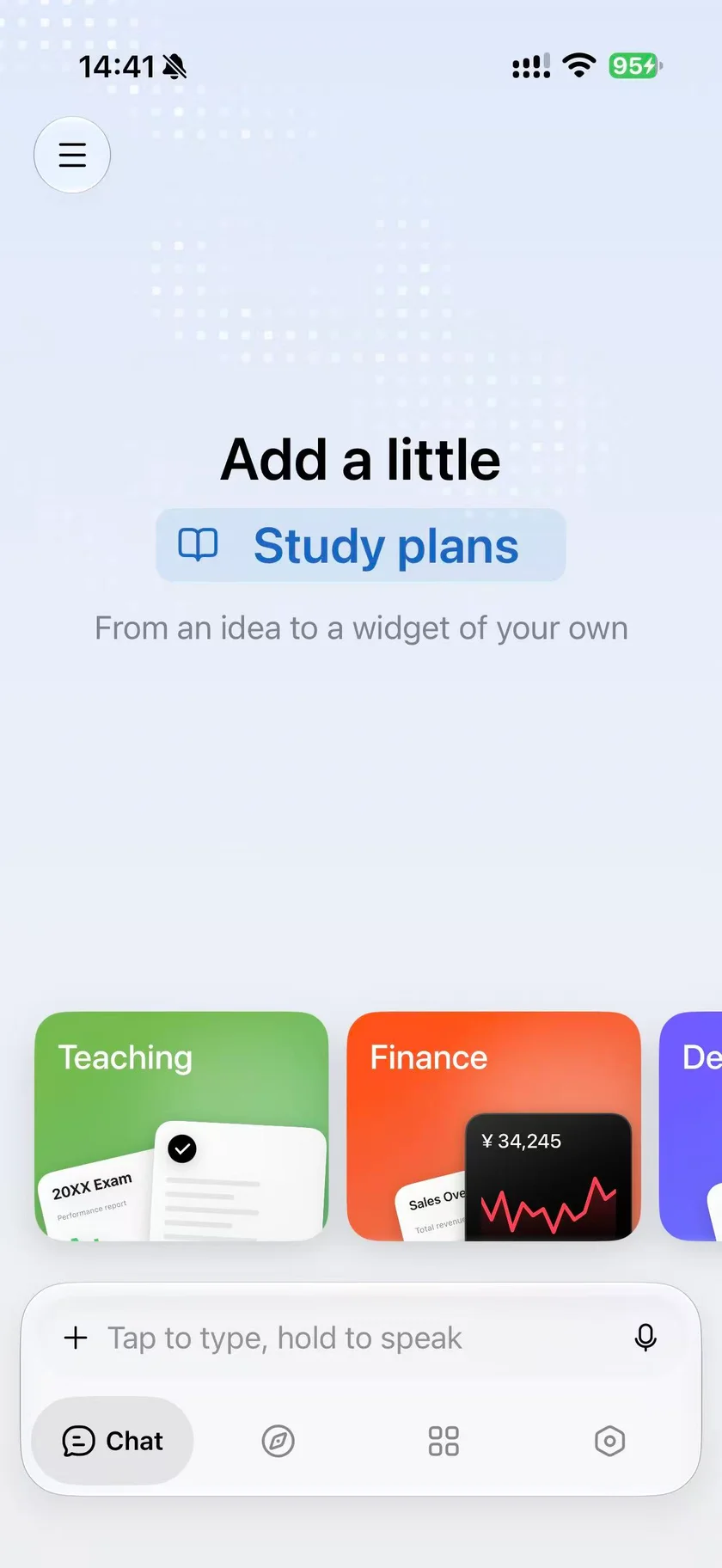
 widgee
Tell Widgee what you have in mind. Make it a widget. For the everyday things, and the things you love.
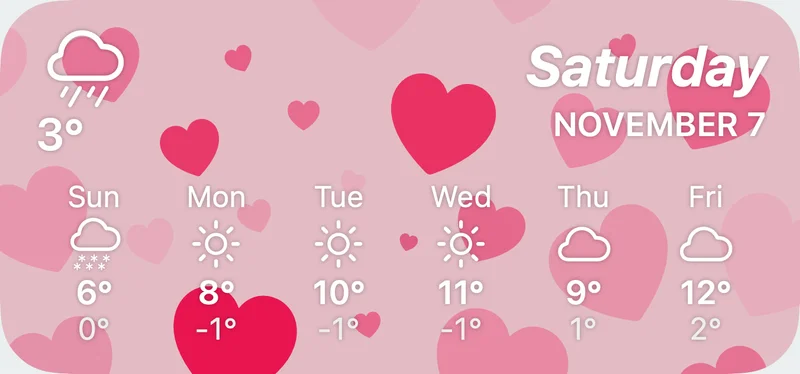
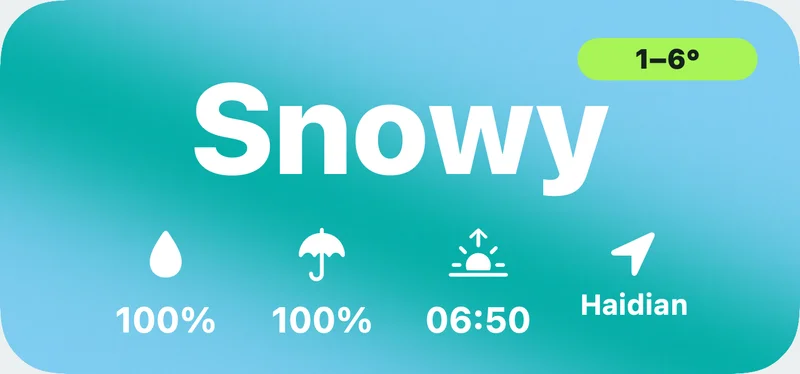 A forecast with a little personality.
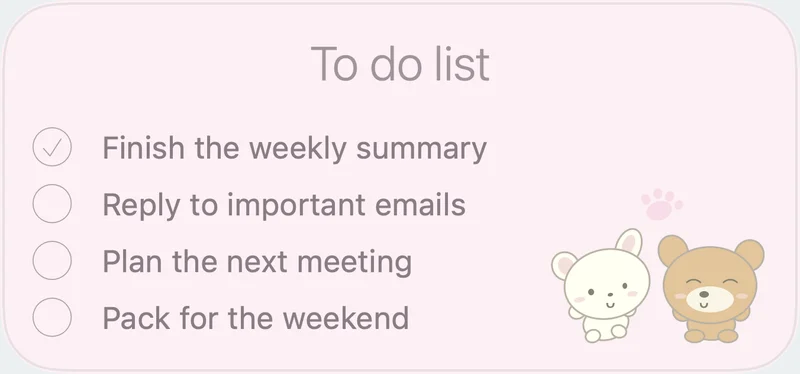 A little cute for a busy day.
Start with what you want. Widgee handles the code.
A forecast, a study plan, a special countdown. Tell Widgee your idea and watch a conversation become a widget.
“Make it green.” “Bigger text, please.” Keep chatting to shape the colors, layout, and content just the way you like.
 Your home screen. Your call.
Save it to My Widgets, then add it to your iPhone home screen. Give the things you care about a place of their own.
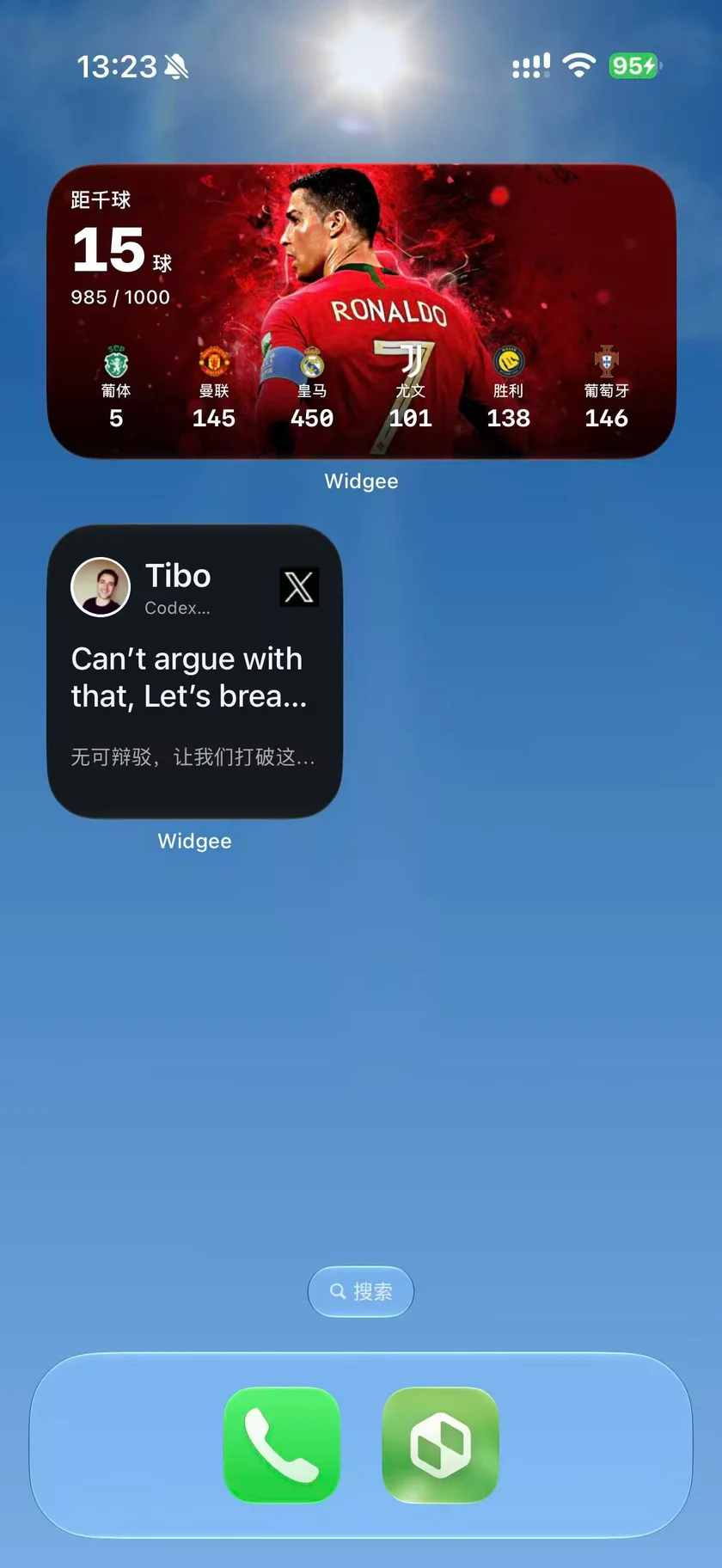
The iPhone home screen photo is in Chinese. Dates and data are examples from the time of capture.
No. Describe the widget you want in a conversation and Widgee will generate it. Want to make changes? Just keep chatting.
Start with weather, calendars, to-do lists, steps, or countdowns, or describe an idea of your own. Some content needs permissions or a data source. The App will guide you based on the widget.
Save it to My Widgets in Widgee first. Touch and hold your iPhone home screen, add a Widgee widget, then edit it to select your saved creation.
A little more you. On your iPhone.